Choosing an All-In-One Website Platform When You Want Fewer Tools, Not More
The best all-in-one website platform for creators is the one that requires the fewest tools to log into, pay for, and maintain. Plenty of products call themselves all-in-one, and many of them still ask you to learn a dozen dashboards, toggle hundreds of settings, and install add-ons to cover gaps.
If you are decluttering your life and want to turn the time you freed up into a small online business, the platform should give that time back. This guide judges platforms by that standard, gives you a five-question test to run on any of them, and applies it to three categories so you can decide in an afternoon.
Why “all-in-one” only helps if it removes tools instead of adding menus
A platform counts as all-in-one when it replaces separate tools you would otherwise buy. A website, a way to take payment, an email list, and a place to host your content can live in one account instead of four. That is a real reduction in what you manage.
The label stops meaning anything when the bundle adds complexity. A platform with a hundred features you will never touch has not simplified your work. It has moved the clutter from your desk into a menu, and you still pay for it every month.
So the useful question is how many tools a platform lets you delete, not how many features it lists. If you currently run a site builder, a separate email service, a payment link, and a booking page, and one platform could replace three of them, that is a good all-in-one. If it replaces one and adds a learning curve, it is not.
The five-question minimalist test: logins, bills, settings, exit and upkeep
Run each platform through these five questions. Answer from the platform’s own pricing and help pages, and from a trial account if one is offered. Do not rely on a reviewer’s feature table.
- Logins: how many accounts will I need? Count every separate sign-in required to run your business: site, store, email, payments, analytics. The goal is one. Two is acceptable when the second is a payment processor you set up once and rarely open.
- Bills: how many invoices will I get, and can I predict them? Count the subscriptions, the add-ons you would need for your plan, and any fee taken per sale. Look for a single recurring charge you can write down. Read the pricing page for anything that scales with your list size, traffic, or sales, so a good month does not surprise you.
- Settings: how much must I configure before I publish? A platform that lets you choose a template, add your content, and go live in one sitting scores well. One that asks you to configure themes, permissions, tracking, caching, and integrations first scores badly.
- Exit: can I leave with my work? Check whether you can export your content and your customer or subscriber list in a standard format. A platform you cannot leave is a commitment, and commitments are the opposite of minimalist. Look for this in the help documentation before you sign up.
- Upkeep: what will I have to do every month for the site to keep working? Updates, plugin compatibility, security patches, and backups all count. A hosted platform that handles these for you costs less attention than one you assemble yourself.
Give each question one point if the answer favors you and zero if it does not. A score of four or five means the platform fits a minimalist business. A three means you accept the tradeoff. Anything lower, keep looking.
The test also tells you which questions matter most to you. Someone selling one digital product may weigh bills and exit heavily. Someone writing a weekly letter may care most about logins and upkeep. Decide your top two before you compare, so a flashy feature does not outvote them.
Site builders with a built-in store: best for a few simple products
Site builders with a built-in store put your pages and your checkout in the same account. You pick a template, add a product, connect a way to get paid, and publish. This category suits you if you plan to sell a handful of items: a printable pack, a short course, a few handmade goods or a booking for a service.
On the five questions, this category usually scores well on logins and settings, because the store and the site share one dashboard and the templates make most design decisions for you. Upkeep is typically light, because the provider hosts and updates the software.
The questions to press hardest are bills and exit:
- Does the plan that includes the store cost more than the basic website plan, and by how much?
- Does the platform take a fee on each sale on top of the payment processor’s fee?
- Can you export your product list and customer details if you move?
Check those answers on the platform’s current pricing page, because plans change.
Your product type affects the fit as well. Digital products have no shipping, stock or returns to manage, while physical goods bring all three. If you haven’t settled that choice, the guide on digital products vs. physical products to sell walks through which suits a minimalist life. A store built around five products stays simple. A store that grows to five hundred starts to look like the clutter you were trying to leave.
Newsletter-first platforms with a website attached: best for writers and teachers
Newsletter-first platforms start from the email list and add a simple website around it. Your posts go to subscribers and also appear on a public page. Many include a way to charge for subscriptions or paid posts. This category suits writers, teachers, coaches, and anyone whose business is a regular conversation with an audience.
The structure reduces tools directly. The writing, the list, the archive, and payment for paid content share one account, so you may not need a separate email service or blog. Settings are usually few, since the writing screen is the main interface.
The trade-offs are in design and flexibility. These sites tend to look alike and offer limited page layouts. If you need a detailed sales page, a portfolio, or a store with many products, you may outgrow the format. For a business that is mostly writing and teaching, the limits are the benefit, because there is little to fiddle with and more time for the work itself.
Press hardest on exit and bills. Confirm that you can export your subscriber list, because that list is the most valuable asset the business owns. Then see how the platform charges: some take a percentage of paid subscriptions, others charge a flat monthly fee, and the cheaper option depends on how much you earn. Run both numbers at the income you hope to reach, not only the income you have today.
Hosted publishing platforms: best for a content site you will grow slowly
Hosted publishing platforms run a full website for you: posts, pages, categories, search, and a theme, with hosting and security handled by the provider. This category suits a content site that grows article by article over months and years, such as a niche blog, a resource library, or a site that earns through affiliate links.
On the test, these platforms score well on upkeep and logins when the provider hosts everything, and exit is often strong because content export is a common feature. Settings are where they vary most. Some give you a clean editor and a few theme options. Others offer a large marketplace of themes and add-ons, and every add-on is one more thing to update, pay for, and troubleshoot. If you choose this route, decide at the start that you will use the built-in features first and add extras only when a clear need arises.
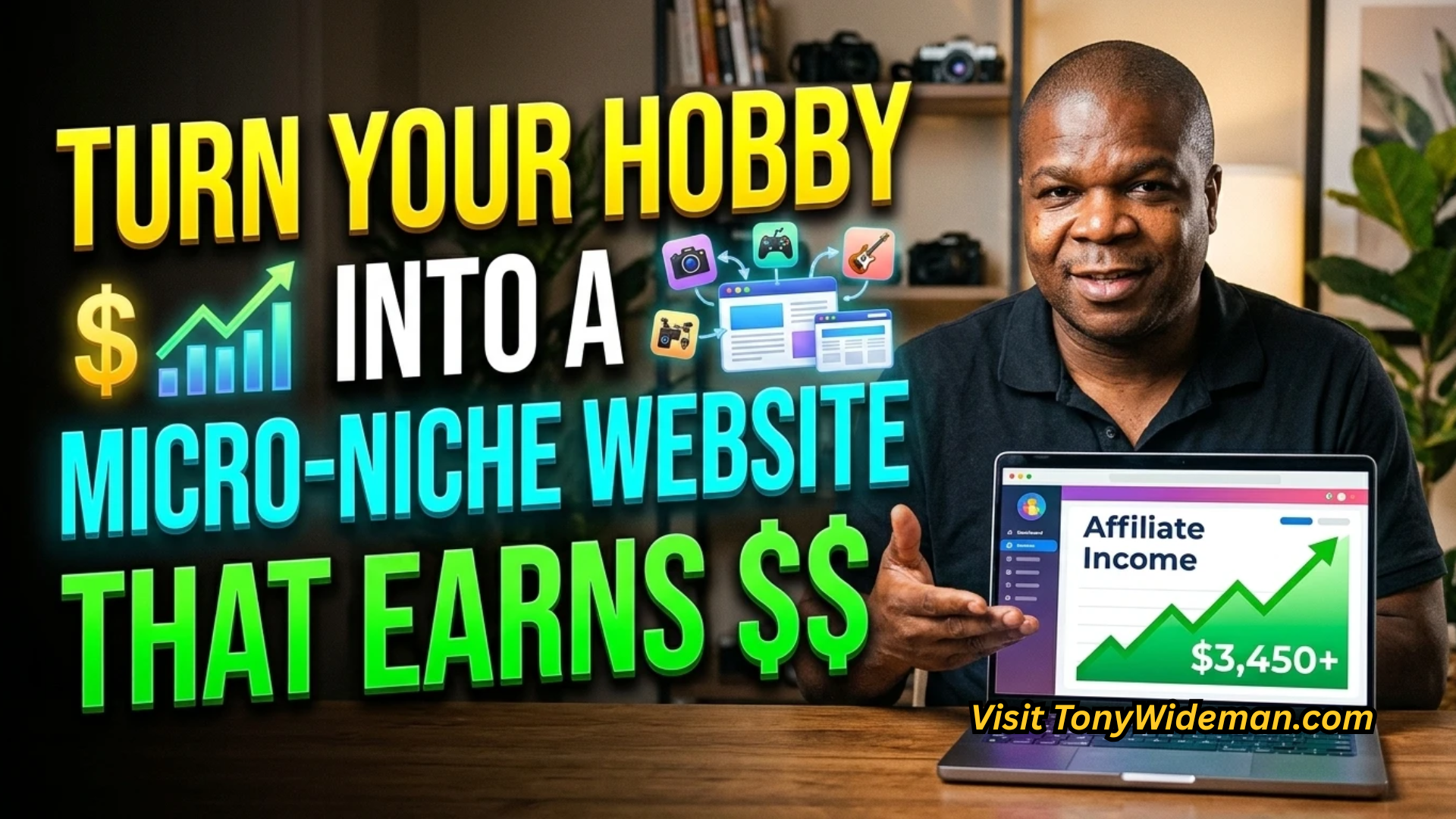
A slow-growth site rewards a platform you can leave alone. You will spend your time writing, not maintaining, which matters more at 200 articles than at 20. If your plan is a site built around a hobby or a narrow topic, the article on how to turn a hobby into a micro-niche website covers how to shape that kind of site before you pick where it lives.
Check bills carefully here too. Hosted plans often have tiers that unlock features such as custom domains, removal of the provider’s branding, or the ability to install add-ons. Find out which tier you actually need, and price that one.
What to cut before you build: pages, plugins and integrations you do not need
Choosing a platform is half of the simplification. The other half is deciding what never gets built. Every page, plugin, and integration you add comes with a recurring cost in attention, and most of them can wait.
A small creator site needs very little to start:
- A home page that says what you offer and who it is for.
- One page for each product, service, or content category.
- An about page and a way to contact you.
- A single method of collecting email addresses, if you plan to send email.
Cut or postpone the rest. A separate blog adds nothing if your business is selling a service. A members’ area can wait until you have members. Pop-ups, live chat widgets, social feeds, and a dozen tracking scripts slow the site down and add settings to maintain.
Apply the same filter to integrations. Each connection between two tools is a place where something can break and a login you may have to reset. Connect only what you need to take payment and deliver your product. Review the list again after three months and remove anything you have not used.
If you find that your plans require many add-ons to work, that signals the platform category is wrong for the business. Go back to the five questions with that in mind, and consider a category that includes the feature natively.
Pick one this week: a short decision path from your business model to a platform
Start with what you plan to sell, then follow the matching path.
- You will sell a few products or a service with booking: choose a site builder with a built-in store. Check the per-sale fee and the export options first.
- You will write or teach on a regular schedule and want paying subscribers: choose a newsletter-first platform. Confirm you can export your subscriber list, and compare fee structures at your target income.
- You will publish articles and grow a topic site slowly: choose a hosted publishing platform. Use built-in features before adding anything, and price the tier you need.
- You will do two of these: pick the one that earns first and let the other wait. You can add a second business model to the same platform later if it supports it, or run it separately once the first is stable.
Then spend an afternoon on it:
- Write down your top two questions from the five-question test.
- Shortlist two platforms from your category.
- Read each one’s pricing and export documentation, and score both on all five questions.
- Choose the higher score. If they tie, choose the one with the lower monthly bill.
- Publish a home page, one product or post, and a contact method. Stop there.
A platform that scores well is good enough to start with, because the business matters more than the tool. Building the site is a one-time task, and what you make and sell afterward is the work worth your time.
Choose your platform this week, then run your remaining tools through The Subscription Audit to see what the whole stack costs you over time.